Cookie Tracking in 2026: 7 Live Checks Before You Trust the Banner
The real value in cookie tracking shows up when you debug it like a live system. A banner can render perfectly and still leak requests, misfire tags, or drift after the next plugin or theme update.
The useful test for cookie tracking is whether the live stack behaves correctly before consent, after consent, and after the next deployment. That is how hidden leaks and timing mistakes show up.
That distinction matters more in late 2026 because official guidance has become broader and more operational. The ICO’s final guidance on “storage and access technologies” now groups cookies with tracking pixels, device fingerprinting, and similar techniques. Firefox still explains that some advertisers use third-party cookies to “track your visits to the various websites” on which they advertise, while also noting that cross-site tracking cookies are “disabled by default” for Firefox users. At the same time, the EDPB still says withdrawing consent must be “as easy as giving it”, and CNIL still says rejecting cookies should be “just as easy as accepting them.”
If you want the closest companion reads first, start with these guides to tracking cookies, what is a tracking cookie, and cookie checker. This page stays focused on cookie tracking as a live-site review, not only a glossary term.
If your team is trying to get cookie tracking under control without adding a heavyweight privacy stack, DataShyre can help. DataShyre focuses on consent and preference management that are easier to implement, easier to operate, and easier to trust on a live site. Start with DataShyre’s consent and preference management or book a demo.
If your team needs help turning this review into a working control, DataShyre can help with consent management, runtime QA, and implementation review so the banner, tag behavior, and evidence trail stay aligned after releases.
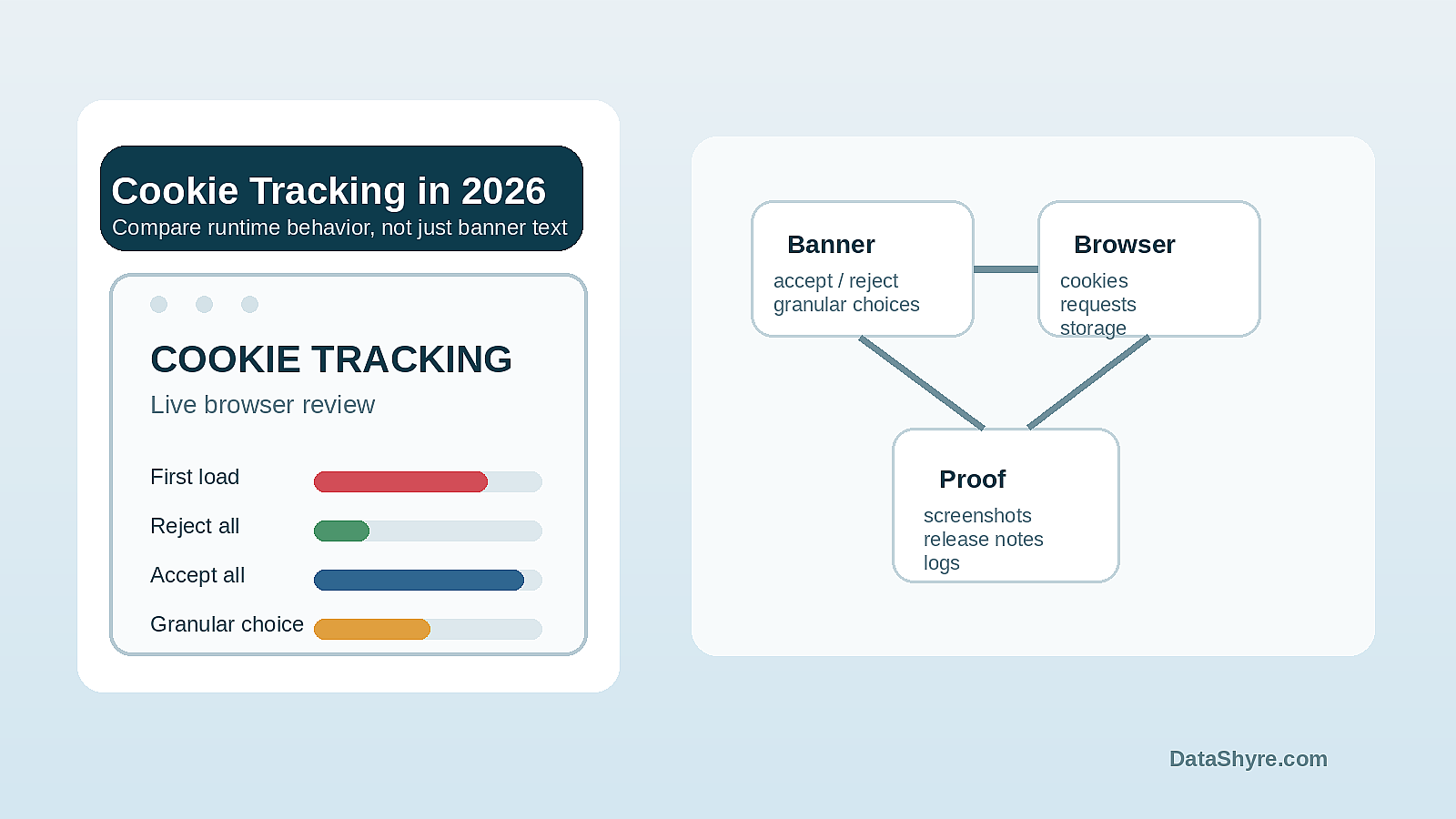
1. Treat cookie tracking as behavior, not only a file
The first cookie tracking mistake is assuming the cookie itself is the whole story.
Usually it is not.
A cookie may store a session value, a language preference, a consent state, or an advertising identifier. The risk depends on what that identifier is for, who can read it, what requests it influences, and whether it helps join activity across pages, domains, or devices.
This is why the ICO’s 2026 guidance is useful. It is broader than old cookie-only conversations and focuses on storage and access technologies as one operating layer. So when reviewing cookie tracking, I do not ask only is there a cookie.
I ask:
- what purpose the identifier serves;
- whether it is strictly necessary or optional;
- whether it is first-party or cross-site;
- what scripts or requests depend on it; and
- whether the banner and policy describe that behavior honestly.
If the review stops at a cookie table export, the real cookie tracking picture is still missing.
2. Separate first-party state from cross-site tracking
This is where teams often overreact to harmless state and underreact to real tracking.
Not every cookie is a tracking cookie. Session continuity, cart state, fraud prevention, and language memory can be legitimate and necessary. But Firefox’s own support documentation still says third-party cookies, also called cross-site cookies, are cookies set by a different website than the one a person is visiting, and that some advertisers use them to track visits across multiple websites.
That means a serious cookie tracking review should distinguish:
- first-party functional state tied to the site a person intended to use;
- cross-site advertising or analytics identifiers;
- embedded third-party services that quietly introduce their own identifiers;
- non-cookie techniques that serve a similar tracking function.
Chrome DevTools is still useful here because it shows how to identify and inspect third-party cookies in both the Application and Network panels. If your team is relying only on a CMP dashboard summary, it may miss what the browser is still seeing in the live runtime.
3. Test what happens before any choice is made
This is the most important practical check.
The ICO’s cookies guidance still says you must explain what cookies do, why they are there, and get consent to store a cookie on the device when consent is required. The same guidance also says you cannot set non-essential cookies on the homepage before the user has consented to them.
So when I audit cookie tracking, I start with a clean browser session and test:
- which cookies already exist at first load;
- which requests already fire before interaction;
- whether identifiers appear in local storage or similar places;
- whether embedded video, chat, maps, A/B testing, or ad tech loads optional identifiers early.
This is where many weak implementations fall apart. The banner looks careful, but the browser trace shows optional analytics, marketing tags, or cross-site requests are already active.
If that happens, the cookie tracking problem is not copywriting. It is runtime control failure.
4. Compare reject, granular save, and accept against the live browser trace
A static banner review is not enough.
The EDPB still says consent withdrawal must be “as easy as giving it”, and CNIL still says rejecting cookies should be “just as easy as accepting them.” That means a meaningful cookie tracking test must compare states, not screenshots.
I would run the page at least three times:
- once with no choice made yet;
- once after
Reject allor the strongest available refusal; - once after
Accept allor a granular opt-in.
Then compare:
- cookies set;
- third-party requests sent;
- storage changes;
- vendor scripts loaded;
- any identifiers still passed through query strings or headers.
If Reject all leaves the same optional requests and identifiers active as Accept all, the cookie tracking control is cosmetic.
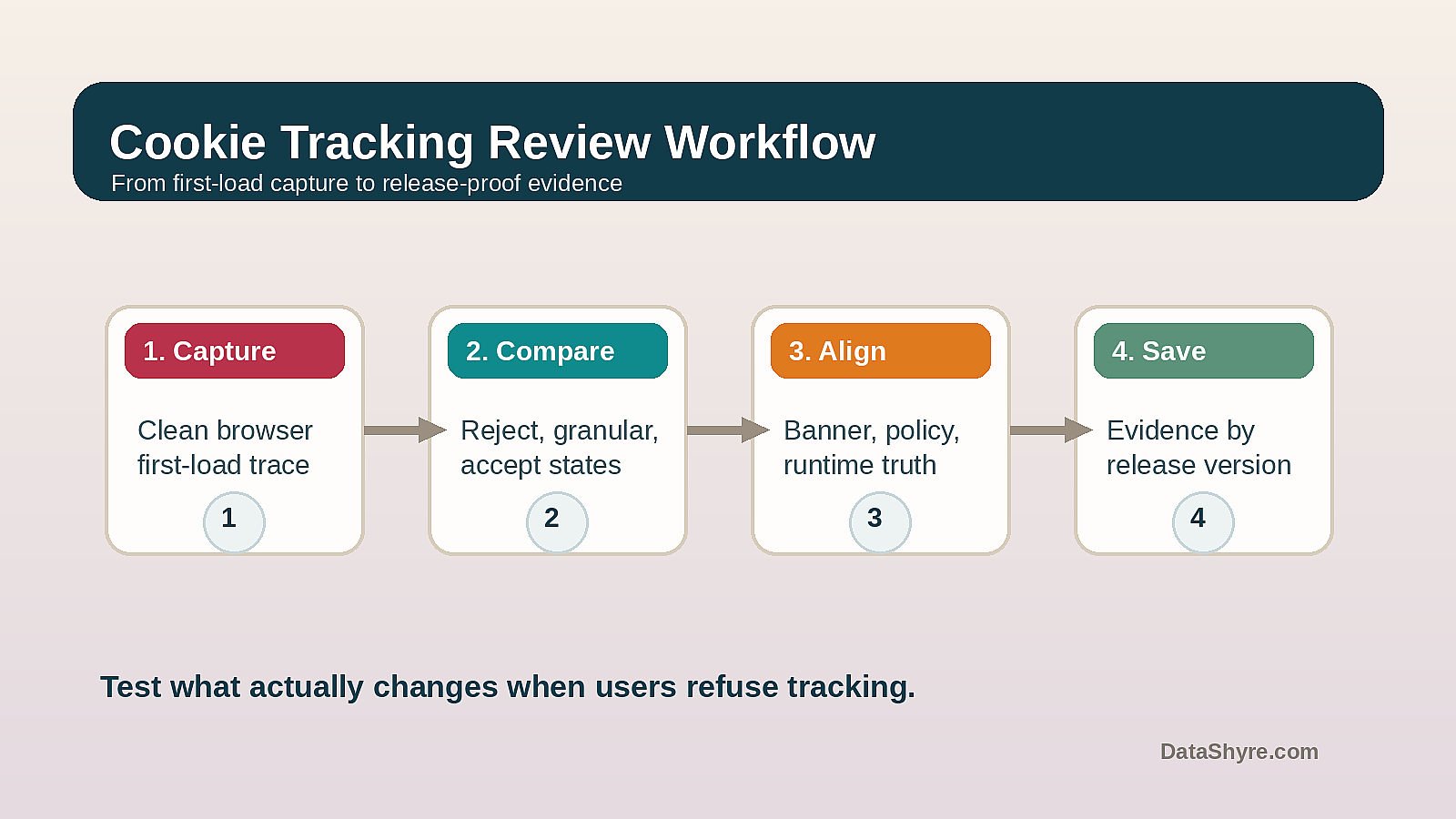
5. Check whether the banner, policy, and runtime describe the same thing
This is the truth-alignment test.
Weak programs describe tracking one way in the banner, another way in the cookie policy, and a third way in the live page behavior. That drift is common after marketing launches, vendor swaps, or tag-manager changes.
So for cookie tracking, I compare:
- the banner categories and labels;
- the cookie declaration or policy categories;
- the real vendors and hosts visible in the browser;
- the purposes implied by those vendors and hosts.
If the policy talks about analytics while the browser shows ad-tech and cross-site measurement endpoints, the description is already behind the runtime. If the policy lists only cookies while the implementation depends on broader storage and access techniques, the site may be under-describing what users actually face.
6. Do not assume browser defaults solve your site-level risk
This is the easiest false comfort in 2026.
Firefox blocks cross-site tracking cookies by default for its users, and browser changes have absolutely reduced some traditional third-party cookie behavior. But that does not mean your site is automatically clean.
Why not?
Because cookie tracking risk can still show up through:
- first-party identifiers used for tracking purposes;
- optional analytics or ad scripts that still load before choice;
- alternate storage methods or link-decoration flows;
- inconsistent behavior across browsers and device states;
- embedded third parties that behave differently when the user is logged in or interacts with the page.
So browser protections are helpful, but they are not a substitute for testing your own stack. The site still needs honest disclosures, a real refusal path, and runtime behavior that matches the user’s choice.
7. Save evidence that survives the next release
The long-term cookie tracking failure is drift.
Teams launch a good banner once, then later add a new analytics tool, a heatmap, a video embed, or a partner pixel. The legal layer stays the same while the browser behavior changes.
This is why I want a cookie tracking evidence set that preserves:
- the banner version shown;
- the categories and purposes shown;
- the cookie and storage state before choice;
- the browser trace after reject;
- the browser trace after accept or granular choice;
- the site version or release tied to those results.
Without that, your team may remember that testing happened but still be unable to prove what the site did after the next sprint.
A practical cookie tracking review for this week
If you were reviewing cookie tracking right now, use this order:
- capture a clean first-load browser trace;
- identify first-party, cross-site, and similar tracking technologies separately;
- compare reject, granular save, and accept states;
- align the banner and policy language with what the browser actually shows;
- save evidence tied to the live release.
That order catches more truth than a CMP export alone.
FAQ
Is cookie tracking the same thing as third-party cookies?
Not exactly. Third-party cookies are one common mechanism, but cookie tracking can also involve first-party identifiers, linked requests, or related storage and access techniques that help observe behavior over time.
If browsers block more third-party cookies now, is the problem mostly gone?
No. Browser protections help, but they do not automatically fix optional tracking scripts, misleading banners, or site-specific runtime behavior that still loads before a real choice.
What is the fastest way to test cookie tracking on my own site?
Use a clean browser profile, capture first load, then compare the storage and network state across no choice, reject, and accept flows. If those states barely differ, the consent layer probably is not doing enough.
Bottom line
The best current answer to cookie tracking is not only a definition.
It is this: in 2026, you should treat cookie tracking as a live runtime review across identifiers, requests, disclosures, and user choice. If the browser trace, the banner, and the policy all agree, your control is maturing. If they do not, the problem is still operational.
The fastest way to judge cookie tracking is to test it the way a broken deployment would expose it: before consent, after consent, and again after a stack change.
Official sources used
- ICO: Final storage and access technologies guidance published
- ICO: Cookies and similar technologies
- EDPB: Summary on consent under the GDPR
- CNIL: Dark patterns in cookie banners
- Firefox Help: Third-party cookies and Firefox tracking protection
- Chrome for Developers: View, add, edit, and delete cookies in DevTools