Wix Privacy Policy Generator in 2026: What It Helps With, What It Misses, and 7 Live Checks
The real value in wix privacy policy generator shows up when you debug it like a live system. A banner can render perfectly and still leak requests, misfire tags, or drift after the next plugin or theme update.
The useful test for wix privacy policy generator is whether the live stack behaves correctly before consent, after consent, and after the next deployment. That is how hidden leaks and timing mistakes show up.
That is the real job.
Wix’s own help center is pretty direct here. Wix says it “does not provide pre-made legal document templates” and points site owners toward guidance articles plus third-party apps. Its privacy-policy guidance is also clear that some third-party services using cookies or other tracking tools through Wix are “not covered by the Wix Privacy Policy.” That means a wix privacy policy generator can help you draft faster, but it cannot be the source of truth for your actual site. The European Commission’s current GDPR guidance still says privacy information should be presented in a concise, transparent, intelligible way and in “clear and plain language.” The ICO’s drafting guidance still starts with the same operational rule: first “know what personal data you have” and what you do with it. California’s Department of Justice still says a business privacy policy should be “updated at least once a year,” and the CPPA still says many businesses must provide a clear footer or header link such as “Your Privacy Choices” when California opt-out or limit rights apply.
If you want the closest related reads first, start with these guides to Wix privacy policy, website privacy policy generator, and Wix cookie consent management. This page stays narrower. It is the wix privacy policy generator review I would run this week before publishing any generated text on a live Wix site.
If your team is trying to get wix privacy policy generator under control without adding a heavyweight privacy stack, DataShyre can help. DataShyre focuses on consent and preference management that are easier to implement, easier to operate, and easier to trust on a live site. Start with DataShyre’s consent and preference management or book a demo.
If your team wants help turning generator output into a real operating document, DataShyre can help with data mapping, consent management, and DSR automation. The hard part is rarely getting a first draft. It is keeping that draft aligned with the actual Wix apps, forms, tracking, and rights flow after the next launch.
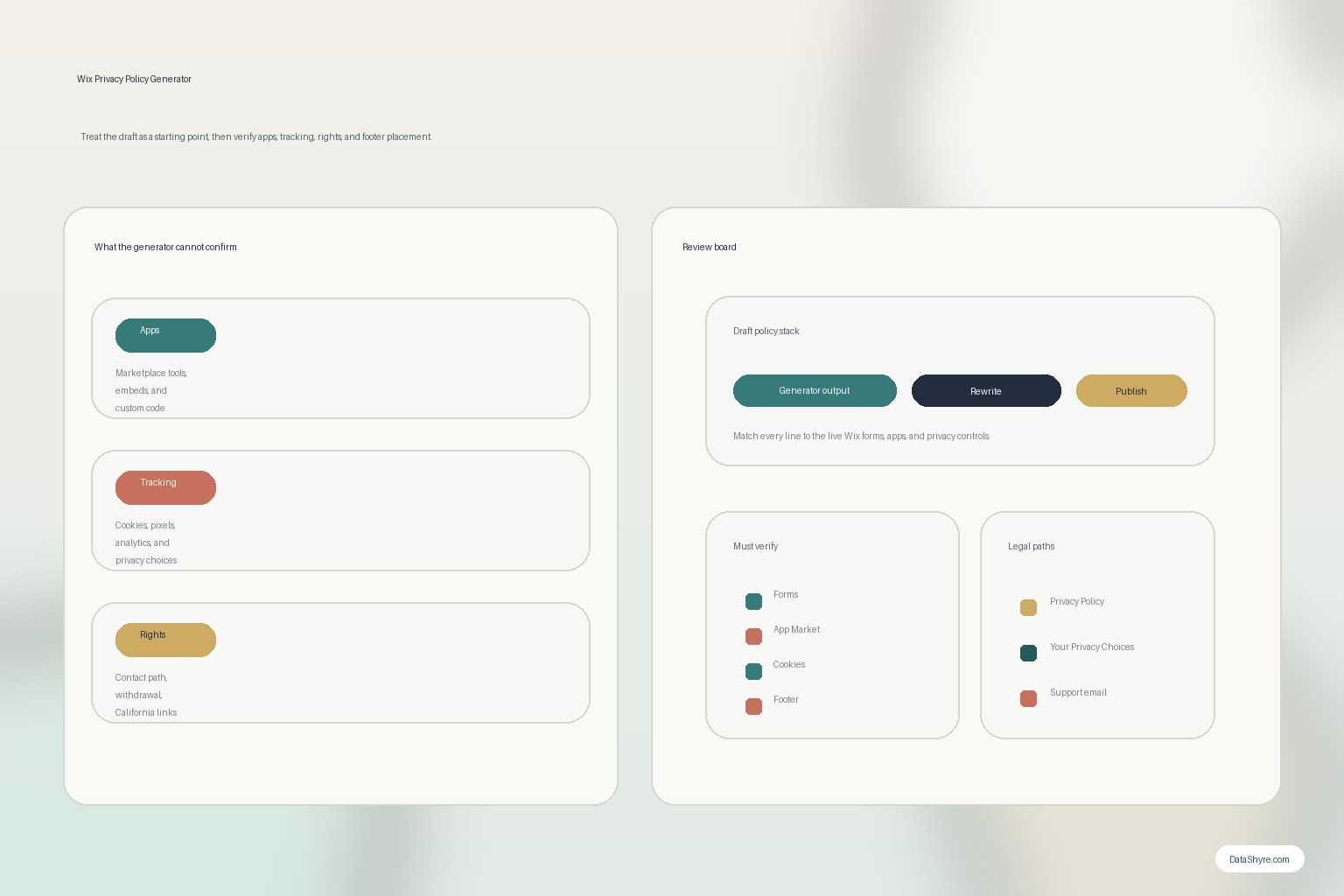
1. Start with the live Wix site, not the generator screen
The biggest wix privacy policy generator mistake happens before anyone clicks generate.
The team starts from the drafting tool instead of the live site.
That reverses the right order.
The ICO’s drafting guidance still points to the better workflow: map what personal data you have, what you do with it, why you use it, who you share it with, and how long you keep it. On a Wix site, that usually means checking:
- contact, quote, booking, and checkout forms;
- newsletter and account-registration flows;
- analytics, advertising, and embedded media tools;
- app-market add-ons and custom code;
- support, chat, calendar, payment, or CRM integrations.
If that inventory is incomplete, the wix privacy policy generator will produce a polished explanation for an incomplete reality.
2. Know whether you are using Wix guidance or a third-party app
This is the first platform-specific distinction that matters.
Wix says it does not provide pre-made legal document templates. It also points users to third-party apps that can help with privacy needs.
So when someone says they need a wix privacy policy generator, they may mean one of three different things:
- Wix’s own help articles and sample structure;
- a third-party app or app-market tool that drafts the page;
- a manual copy-and-edit workflow inside a blank Wix page.
Those are not the same thing.
The practical review question is not did text appear.
It is who created the text, what assumptions did it make, and which parts of the live site did it never inspect.
That matters because the generator may know nothing about your actual Wix stack beyond the prompt you fed it.
3. Inventory everything Wix says may fall outside the generic policy layer
This is where the official Wix documentation gives the strongest warning.
Wix says that third-party services, including Google Analytics or other applications offered through the Wix App Market, may have their own policies and that those practices are not covered by the Wix Privacy Policy.
That one point should change how you review a wix privacy policy generator draft.
The draft cannot stop at native Wix basics.
It also has to account for:
- App Market tools;
- analytics or ad platforms;
- embedded calendars, maps, videos, and chat tools;
- custom code snippets and tag-manager logic;
- payment, scheduling, CRM, and email integrations.
If those tools collect data, receive identifiers, or influence rights handling, the privacy policy has to explain them in normal language.
This is also why a generated draft often needs implementation help. If the site owner cannot confidently explain what the apps and scripts are doing, the right next step is not prettier copy. It is a cleaner inventory.
4. Make the generated page specific about categories, purposes, recipients, and rights
A lot of weak wix privacy policy generator output sounds formal without saying enough.
The European Commission’s current guidance still points to the core elements: the purposes of processing, the categories of personal data, the legal basis, how long the data is stored, who receives it, and whether it is transferred outside the EU.
That means the generated draft should not just say we collect information to improve our services.
It should help a normal person answer:
- what information is collected;
- why it is collected;
- who receives it;
- how long it is kept;
- what rights apply;
- how to exercise those rights.
If the page sounds broad enough to fit any website, it is probably still too generic for your Wix site.
5. Check whether the page matches the real tracking and consent behavior
A wix privacy policy generator is not just a form-page tool.
It also has to stay aligned with what the site does through cookies, scripts, pixels, and other tracking methods.
Wix’s privacy-policy guidance says site owners should explain what tracking tools they use, what personal information those tools gather, and why they are used. That becomes more important when the site also runs a consent banner, a Privacy Center flow, or California choice links.
So before you publish the generated page, compare it against:
- the live cookie and script behavior;
- the consent banner or preference center;
- app-specific tracking disclosures;
- any
Do Not Sell or ShareorYour Privacy Choicespath; - the actual vendors receiving personal data.
If the generated text says one thing and the live site does another, the text is the part that loses.
6. Put the policy where people can find it and where the law expects it
Even a strong wix privacy policy generator draft fails if users cannot reach it easily.
Wix’s footer guidance still tells site owners to create a dedicated page and add the policy title to the footer so visitors can find it. California’s DOJ still says privacy policies are commonly posted on website homepages, app landing pages, or app settings, and the CPPA still says applicable California choice links often belong in the footer or header.
That means a real publication check should confirm:
- the privacy policy has its own stable page;
- the footer link is visible across the site;
- important collection journeys can reach it easily;
- any California rights link is placed where people expect it;
- mobile users can still find both paths without hunting.
This is where a wix privacy policy generator stops being only a drafting task and becomes a deployment task.
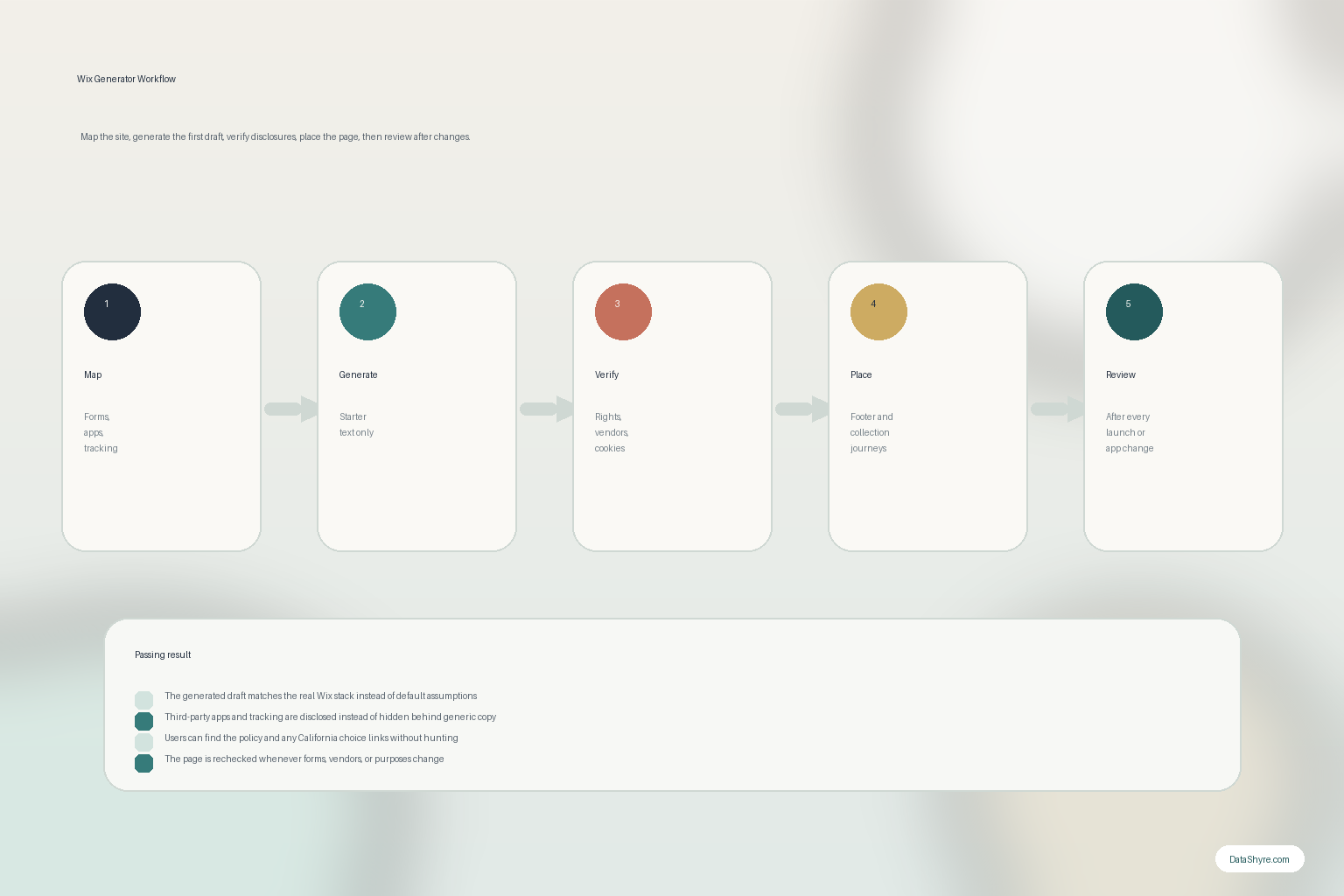
7. Treat the generator output like a release artifact that must be reviewed again
The long-term weakness of a wix privacy policy generator is drift.
California’s DOJ still says the privacy policy should be updated at least once a year. The ICO’s guidance goes a step further and says that if you plan to use personal data for a new purpose, you should update the privacy information before you do so and proactively bring that change to people’s attention.
That is the right operating model for Wix too.
Review the page again when:
- a new app is installed;
- a form or checkout flow changes;
- new analytics or ad tooling is added;
- a new embed or custom code block goes live;
- the rights-handling or consent flow changes.
If the wix privacy policy generator is not connected to release review, the page will age out faster than most teams expect.
A practical 7-step review for this week
If I were approving wix privacy policy generator output today, I would use this order:
- map the live Wix forms, apps, scripts, and collection points first;
- identify whether the draft came from Wix guidance, a third-party app, or manual copy;
- rewrite the draft around the actual vendors, purposes, and rights paths;
- compare it against the site’s real tracking and consent behavior;
- verify that withdrawal, contact, and request instructions work in practice;
- place the policy and any California choice links where users can find them;
- re-run the review whenever the site changes.
That order gives you a much better outcome than publishing whatever the generator produced on the first pass.
FAQ
Does Wix have a built-in privacy policy generator?
Not as a pre-made legal template. Wix says it does not provide pre-made legal document templates, though it offers guidance articles and points site owners to third-party apps that may help with drafting.
Is a Wix privacy policy generator enough on its own?
No. A wix privacy policy generator can help with the first draft, but it cannot verify your real app stack, tracking behavior, consent paths, or rights workflow by itself.
What is the biggest risk with a Wix privacy policy generator?
The biggest risk is publishing generic text that does not match the live site, especially once third-party apps, tracking tools, or California rights paths are involved.
Bottom line
The best wix privacy policy generator in 2026 is not the one that produces the fastest page.
It is the one you treat as a draft while you verify the live Wix environment around it.
If the forms, apps, tracking, footer links, and rights workflow all match the published text, the generator did useful work.
The fastest way to judge wix privacy policy generator is to test it the way a broken deployment would expose it: before consent, after consent, and again after a stack change.
Official sources used
- Wix Help Center: Adding Legal Notices to Your Wix Site
- Wix Help Center: Creating a Privacy Policy
- Wix Help Center: Adding Your Privacy Policy or Terms and Conditions to Your Site’s Footer
- European Commission: Information for Individuals
- ICO: How should we draft our privacy information?
- California Department of Justice: How to Read a Privacy Policy
- California Consumer Privacy Act: California DOJ overview
- California Privacy Protection Agency: Frequently Asked Questions