Wix Privacy Policy in 2026: 7 Live Checks Before You Publish One
The real value in wix privacy policy shows up when you debug it like a live system. A banner can render perfectly and still leak requests, misfire tags, or drift after the next plugin or theme update.
The useful test for wix privacy policy is whether the live stack behaves correctly before consent, after consent, and after the next deployment. That is how hidden leaks and timing mistakes show up.
Wix’s current Help Center is useful, but it is also explicit about the limit. Its privacy-policy article says “You should not rely on this article as legal advice”, says site owners should explain what information they collect, how they use it, how visitors can withdraw consent, and how people can contact them, and adds an especially important warning: some tracking and third-party app behavior is “not covered by the Wix Privacy Policy.” The European Commission’s current GDPR guidance still says privacy information should use clear and plain language, and that where consent is the legal basis it must be as easy to withdraw as to give consent. The UK ICO’s April 29, 2026 storage-and-access guidance also keeps the scope wider than classic cookies alone by covering storage and access technologies such as cookies, pixels, and device fingerprinting.
If you want nearby context first, start with these guides to Wix GDPR, Wix cookie consent management, and privacy policy for website. This page stays narrower. It is the wix privacy policy review I would use this week before publishing or refreshing the policy on a live Wix site.
If your team is trying to get wix privacy policy under control without adding a heavyweight privacy stack, DataShyre can help. DataShyre focuses on consent and preference management that are easier to implement, easier to operate, and easier to trust on a live site. Start with DataShyre’s consent and preference management or book a demo.
If your team wants help turning a policy page into a working operating layer, DataShyre can help with data mapping, consent management, and DSR automation. The expensive mistake is not writing the page. It is publishing a clean page that no longer matches your forms, apps, tracking, and request workflow two releases later.
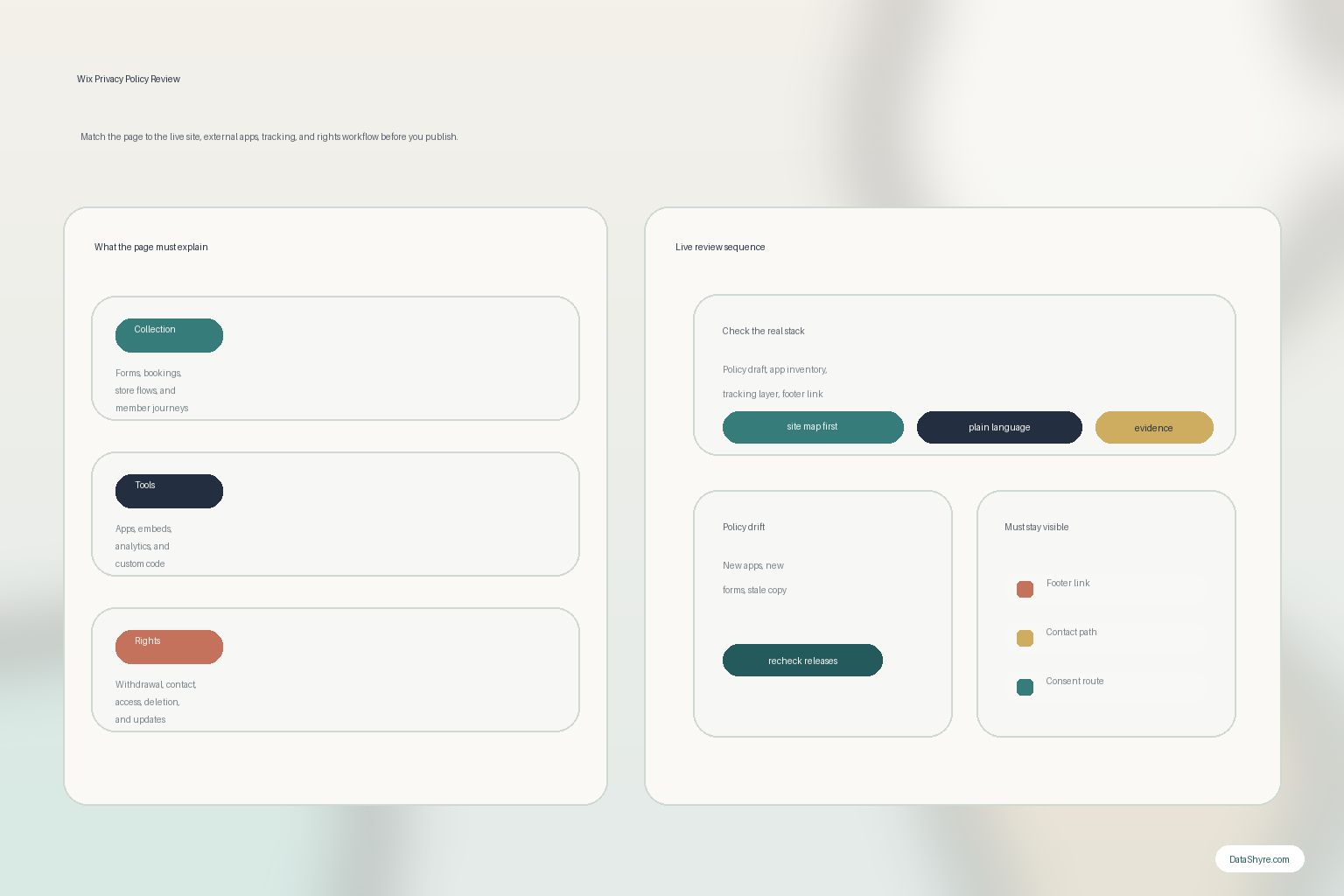
1. Start with the live Wix site, not with the policy draft
The first wix privacy policy mistake is opening a generator or old template before anyone checks what the live site actually collects.
Wix’s current privacy-policy guidance still points site owners toward the right raw ingredients:
- what information the site collects;
- how the information is collected;
- why it is collected;
- how it is stored, used, shared, or disclosed;
- how visitors can withdraw consent; and
- how visitors can contact the business.
That is a better starting checklist than a blank page.
But it only helps if you map the actual site first:
- contact forms;
- newsletter signup forms;
- bookings, checkout, or members flows;
- analytics, pixels, and embedded tools;
- chat, maps, video, scheduling, or review apps.
If the site inventory is thin, the wix privacy policy will be thin too.
2. Inventory every external app and tracking layer that Wix does not cover for you
This is the line in the official Wix help article that matters most in practice.
Wix says external services using cookies or other tracking tools through Wix may have their own policies, and that those practices are not covered by the Wix Privacy Policy.
That one sentence should change how you write and review a wix privacy policy.
It means the policy cannot stop at what Wix does natively.
You also need to check:
- third-party apps from the Wix App Market;
- analytics or ad tools;
- custom code snippets;
- embedded calendars, videos, maps, or chat tools;
- CRM, email, or payment integrations.
If those tools collect, receive, or trigger personal data flows, the policy has to account for them in plain language.
This is also where many teams realize they need more than a text update. If the stack has become too fragmented to explain cleanly, that is usually a sign the data map needs work too.
3. Keep the privacy policy aligned with the cookie and tracking reality
A wix privacy policy is not only a forms page. It also has to stay aligned with what the site does through cookies and similar tracking methods.
Wix’s own article tells site owners to explain what tracking tools are used, what personal information they gather, and why they are used. The ICO’s 2026 guidance keeps the same operational pressure on the UK side by treating cookies, pixels, device fingerprinting, and related techniques as one broader compliance review surface.
So before you trust the current wix privacy policy, compare it against the live tracking layer:
- what the banner or Privacy Center presents;
- what custom code categories are doing;
- what analytics or advertising tools actually load;
- what embedded third-party tools set or read;
- whether the policy uses vague labels that hide specific behavior.
This is where DataShyre’s website privacy checker can be more useful than another drafting pass. If the runtime and the policy disagree, the runtime wins.
4. Separate privacy disclosures from terms and conditions
Another common wix privacy policy problem is bundling privacy language into a general terms page and assuming that is good enough.
The European Commission’s current guidance says privacy information should be presented in a concise, transparent, intelligible way and drafted in clear language. It also says consent requests should be clearly distinguishable from other information such as terms and conditions.
That makes the practical rule simple:
- terms explain the service relationship;
- the privacy policy explains the personal-data relationship;
- consent requests should not be buried inside broader contract text.
For a Wix site, that means the wix privacy policy should be a dedicated page with its own structure and headings, not a short appendix hidden inside generic website terms.
5. Explain withdrawal, rights, and contact paths like a real support workflow
Wix’s current privacy-policy article says you must explain how visitors can withdraw consent, delete or change collected information, and contact the business through valid channels.
That lines up with the current European Commission guidance too. When consent is used, people should be told about the possibility of withdrawal, and it should be as easy to withdraw as to give consent.
So a serious wix privacy policy should let a normal person answer:
- who they contact;
- which email or channel is valid;
- what kind of request they can make;
- how they can withdraw consent where consent applies;
- what happens if data also lives in connected apps or downstream tools.
This is where many policies sound polished and still fail operationally. The page promises access, deletion, or withdrawal, but the business has no clean routing path behind it.
6. Put the page where people can actually find it
Wix’s current guidance says once you create the page, you should add it to the site’s footer. Its footer setup article goes one step further and shows how to create a dedicated page, add footer text, and link the policy so visitors can find it easily across the site.
That matters because a wix privacy policy is not useful if it only exists in draft mode or on an unlinked page.
Check at least these basics:
- the page has its own stable URL;
- the footer link appears site-wide;
- the label is obvious, usually
Privacy Policy; - the link still works on mobile and desktop;
- the policy remains reachable from the pages where collection happens.
That last point is easy to miss. The people who most need the page are usually the ones standing in front of a form, a purchase flow, or a tracking choice.
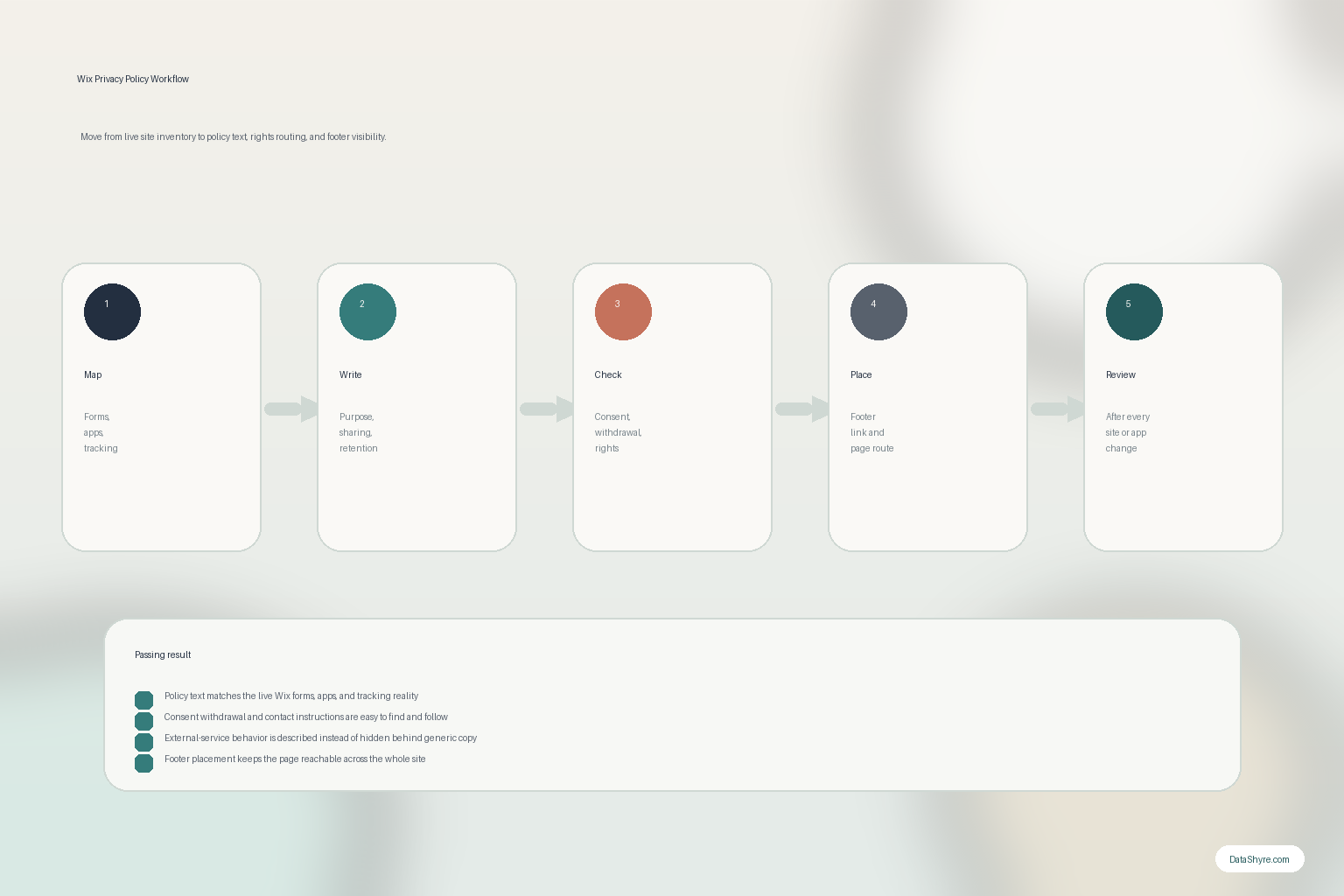
7. Treat the policy like a release artifact, not a one-time page
Wix’s help article recommends telling users that the privacy policy may be updated, especially when material changes happen.
That is good advice because Wix sites change fast.
A form app gets replaced.
A marketing tag gets added.
A booking widget changes vendors.
A chatbot starts collecting new categories of messages.
That is exactly how a wix privacy policy falls out of date even when it looked accurate at launch.
So the better operating model is to review the page when:
- a new app is installed;
- a form or checkout flow changes;
- analytics or ad tooling is added;
- a new embedded service appears;
- rights-handling or contact routes change.
If your team is moving quickly on Wix, this is a good place to add lightweight governance so the policy, the consent layer, and the real data flows stay in sync.
A practical 7-step Wix privacy policy review for this week
If you were reviewing a wix privacy policy today, use this order:
- map the live collection points before touching the draft;
- inventory all external apps, embeds, and tracking layers;
- compare the page against the real cookie and tracking behavior;
- separate privacy disclosures from terms and conditions cleanly;
- verify withdrawal, rights, and contact instructions are operational;
- confirm the page is linked clearly in the footer and on key journeys;
- add a change-review step so the page gets rechecked after launches.
That gives you a much better result than copying a generic privacy template into a Wix page and hoping the rest of the stack agrees.
FAQ
Does Wix provide the privacy policy for my business?
No. Wix provides guidance and platform context, but the policy still has to describe your own site’s collection, uses, third-party tools, and contact paths accurately.
Is a Wix privacy policy enough by itself for GDPR or UK tracking compliance?
No. The page matters, but it also has to match the live forms, apps, consent controls, and tracking behavior on the site.
Should the privacy policy be separate from terms and conditions?
The fastest way to judge wix privacy policy is to test it the way a broken deployment would expose it: before consent, after consent, and again after a stack change.